

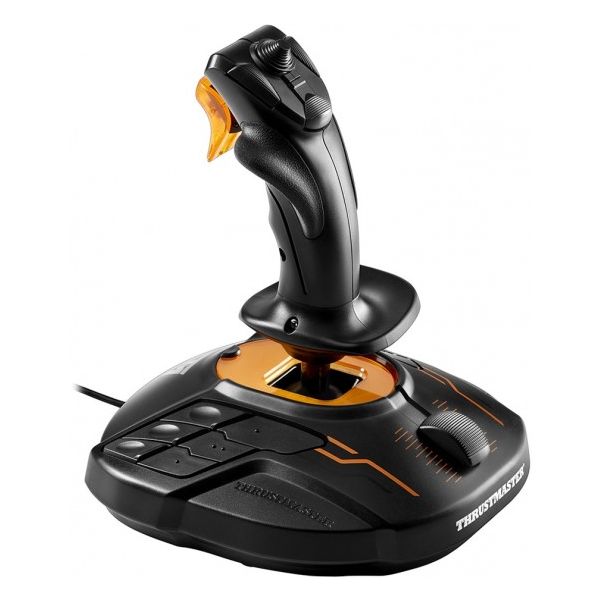
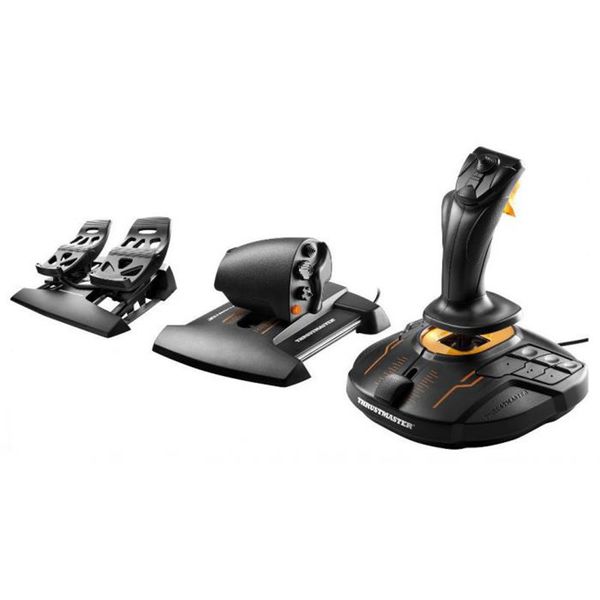
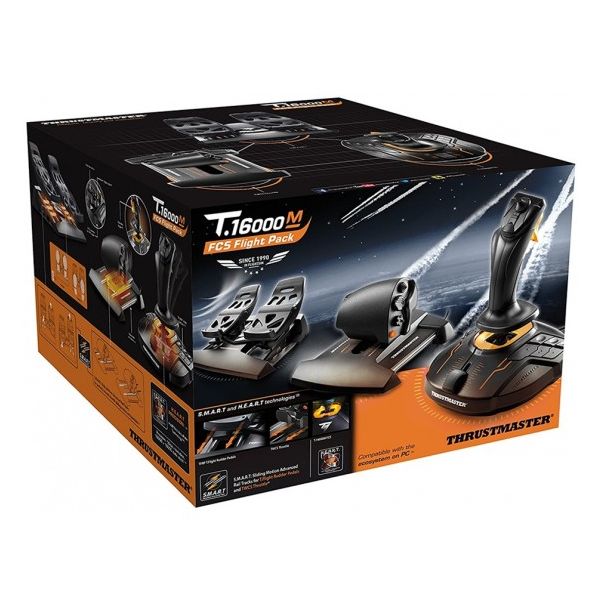
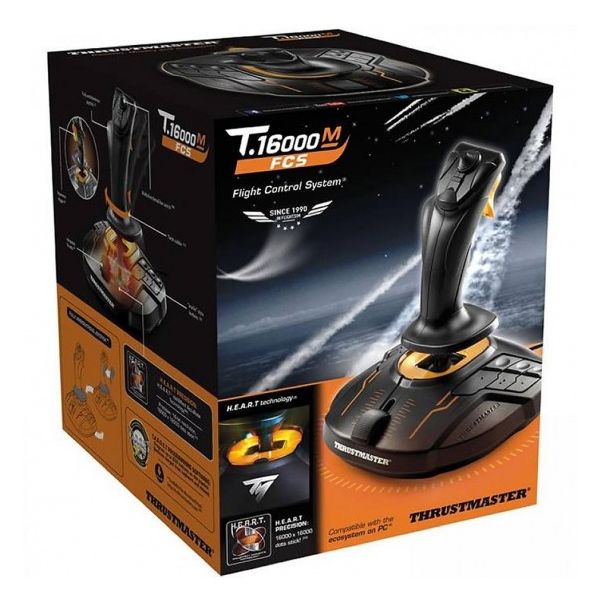
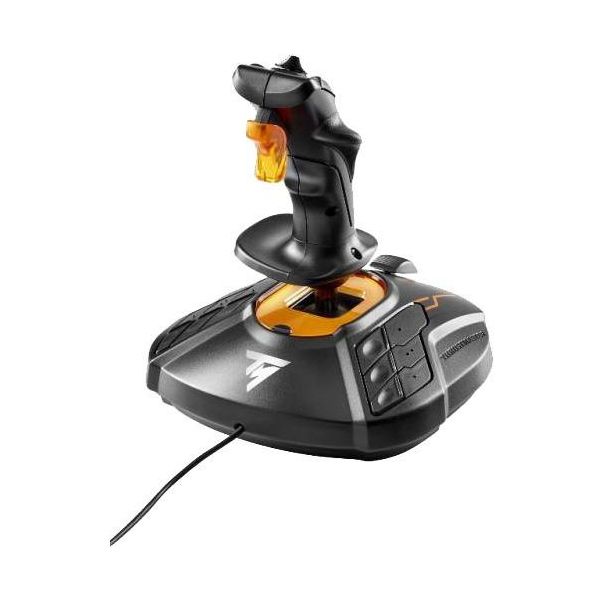
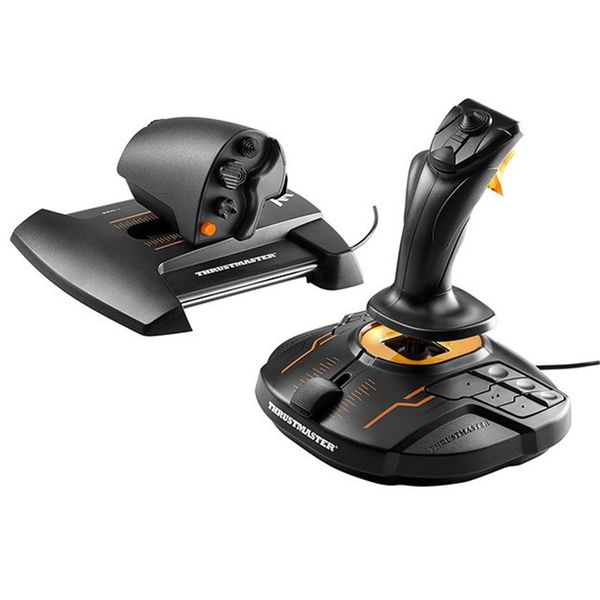
Thrustmaster T.16000M Flight Pack

 MYR 1,480.00
Reviews
Show product page
17 years ago
Thrustmaster T.16000M Flight Stick and H.A.W.X review
Icrontic reviews Tom Clancy's HAWX from Icrontic.com on Vimeo . When I got the box from Thrustmaster while I was on the road, I couldn't wait to get home and unbox it. The moment I wrapped my hands around the flightstick, I got a grin on my face; I felt like a little kid in an airplane museum who...
17 years ago
Thrustmaster T.16000M PC Joystick
When gaming on a PC, most people use the standard mouse and keyboard, but for some games, especially flying games, I prefer to use a joystick, it not only adds to the realism, but makes it more fun and realistic.
Pros:
- Well made
- No extra software to install
- Plug and play
- Sensitive to movements
- Lots of buttons
- Truly adds to gaming experience
- Easy to use
Cons:
- None really

14 years ago
Thrustmaster T.16000M Joystick
While the number of flight simulator and air combat games is diminishing, the need for a good joystick for these games is still high priority if you enjoy soaring above a virtual world. Five years ago, air combat games were a little more popular as they often showcased amazing graphics and visuals.
Pros:
- Magnetic sensing offers greater precision
- Ambidextrous design - includes button swapping
- Nice fit in the hand - buttons are well placed
- Multiple axis always center
- No software installation required
Cons:
- Feels a bit "cheap

9 years ago
Thrustmaster T.16000M FCS HOTAS Review
If you're even mildly interested in driving games then you'll either already own a wheel, or know the benefits that having the right controller can bring to your gaming prowess. Flight simulation games have exactly the same possibilities opened up when you have the correct control method beneath...
9 years ago
Nothing makes a flight or space sim really sing like a hands-on throttle and stick (HOTAS) setup. Thrustmaster's $200 T.1600M FCS Flight Pack combines joystick, throttle and rudder pedals in one lovely entry-level package.

9 years ago
Worst joystick I've ever used.
Would i recommend it to others Depends what they're using it for. But probably not. It would be fine as an off hand stick when running in a dual stick flight/space/mech sim. Your off hand usually isn't as precise as your main hand and is often likely to use a bit more force.
Pros:
- It uses high precision hall effect sensors
- Has a large movement area
- In a joystick test program, this still will reach every corner of the square test area
- It has plenty of buttons
- Wasn't crazy-expensive
- See Other: Good for off hand
Cons:
- -The spring on it is so rigid that it you lose your precision
- If you're trying to do some fine aiming in a space fighter, you'll be fighting the spring
- I actually had to take a video to show to my friends how rigid the spring was, i could hold the stick sideways in the air and shake it and the...

8 years ago
It feels great. It's a clear improvement over my old X52 ...
Got it as a BD present from my wife. It feels great. It's a clear improvement over my old X52 pro, even if it looks a bit cheaper. The throttle however could have been a bit more smooth.
8 years ago
What a huge disappointment this purchase was
What a huge disappointment this purchase was. I had been looking forward to playing Aces High 3 and spent a full day trying to get the pedals, throttle and joystick to work. I can't explain it but it just wouldn't go with my computer (Asus I7 8 core, 16 mb, GTX Geforce 960).

7 years ago
Yaw stopped working within a year
The gimbal itself is amazing. The X and Y axis are very precise and have an incredibly tiny deadzone. However, the twist axis doesn't use a hall effect sensor and it started jittering within a few months. Now it doesn't yaw left and the throttle slider makes the yaw axis move.
4.2
from 15 reviews
5
50.0%
4
30.0%
3
10.0%
2
10.0%
1
0.0%

