

Logitech Spotlight


 MYR 549.00
Reviews
Show product page
9 years ago
Almost useless
I have a Macbook Pro w/Toolbar and when you plug in the dongle my computer freezes and you can no longer use the mouse. The ONLY way to get his to work at all is: 1. Open up the powerpoint presentation you want to use 2. Go into presentation mode 3.
9 years ago
Five Stars
I like the product, but wish it had a laser pointer incorporated.
8 years ago
Nice Upgrade
we have used Logitech presentation remotes for years, this is a solid upgrade to the old ones.
7 years ago
Presentation with New Tools
The main feature I like about this device is the ability to highlight a specific portion of the screen / powerpoint display. It also has the ability to be kind of a modified mouse so you can drive the computer on apps even not powerpoint.
9 years ago
Spotlight works with Mac and Windows computers and can also connect to tablets and smartphones as well so you can control your presentation no matter which device you choose to present it.
Pros:
- Great design, magnification feature, timer settings, comfortable to hold
- A little expensive
- VERDICT: If you need make a presentation you need the Logitech Spotlight by your side
- It gives you complete control so all you need to do is crush it – the presentation that is

9 years ago
Logitech Spotlight
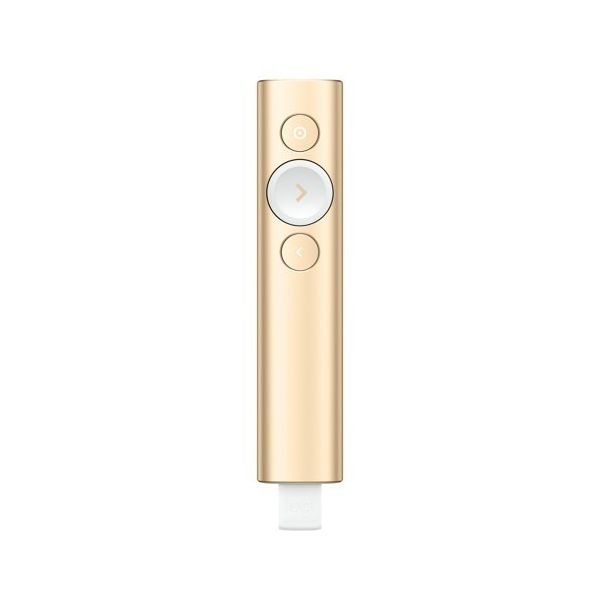
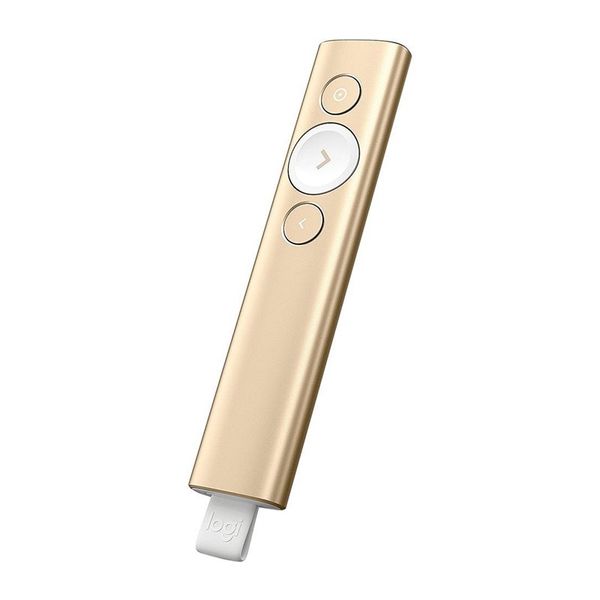
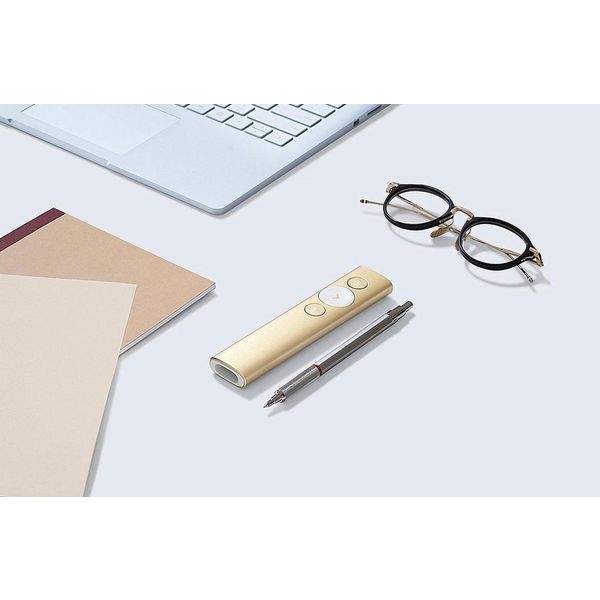
The Logitech Spotlight feels very comfortable and natural in the hand, and the three-button design simplifies interacting with your computer during your presentation. The large middle button is a natural rest for the thumb, and with only one other button above and below, you won't easily press the...
Pros:
- Attractive, simple design
- Air mouse functionality
- Programmable button gestures
Cons:
- Expensive
- Clunky as an air mouse in non-presentation scenarios

8 years ago
Best clicker I used
It is a nice looking clicker and it is easy to use. I tried it on mac os x with both bluetooth and dongle and it worked flawlessly. For this price I wish it included a case that is able to store a charging cable and a dongle while clicker is charging.
8 years ago
Logitech Spotlight Presentation Remote ,Highlight, Magnify And Control The On-screen Cursor, 30m Long Operating Range, Dual Connectivity via USB Receiver and Bluetooth, 3 Hours Presenting With 1 Mins Charge, Samrt Timer With Vibration Alert
Having used the Spotlight for a number of key presentations I can only praise its functionality, style and reliability. The ability to flick between magnification, spotlight and pointer with such as ease, wows the audience and brings real flare to presentations, allowing me to move amongst audiences...
9 years ago
Great for any presentation wizard or someone who wants to draw attention to software demos and/or specific areas of the screen.
I have had this for 1 week, and my initial impression is every presentation wizard can benefit from this wand. The Zoom/Circle/Highlight feature is as good as it looks. Moving the mouse pointer and clicking works well. Scrolling gesture once configured works good too.
9 years ago
Review: The Logitech Spotlight -- a new kind of presentation remote
First, let me admit that I don't have a lot of experience with presentation pointers. The few presentations that I've done over the course of my career did not involve PowerPoint slides -- or any other type of slideshow, for that matter. I've been lucky enough (so far) to be able to avoid them.
4.0
from 14 reviews
5
44.0%
4
33.0%
3
0.0%
2
11.0%
1
11.0%

