

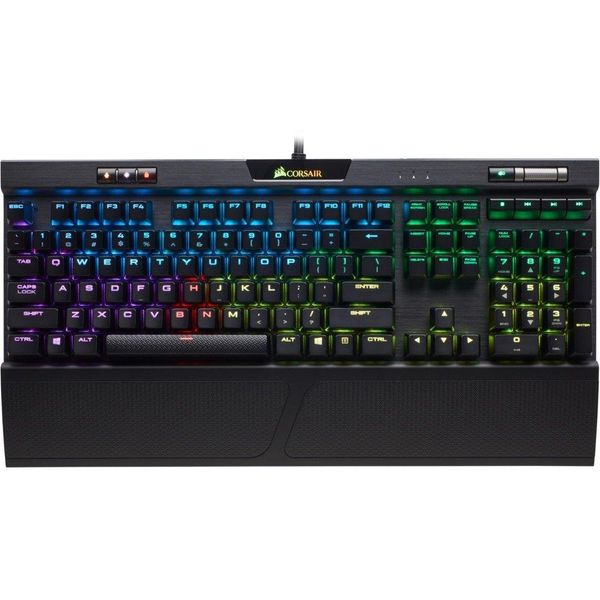
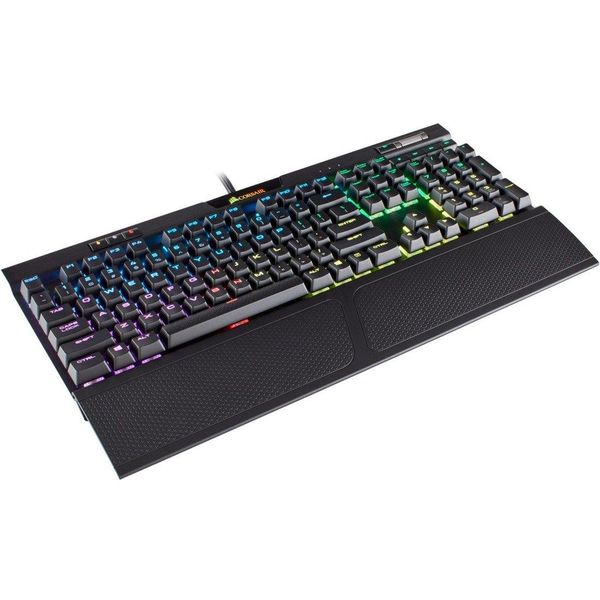
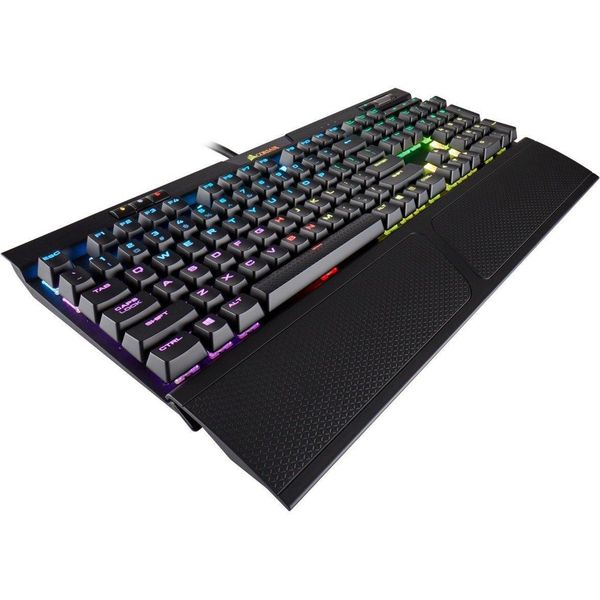
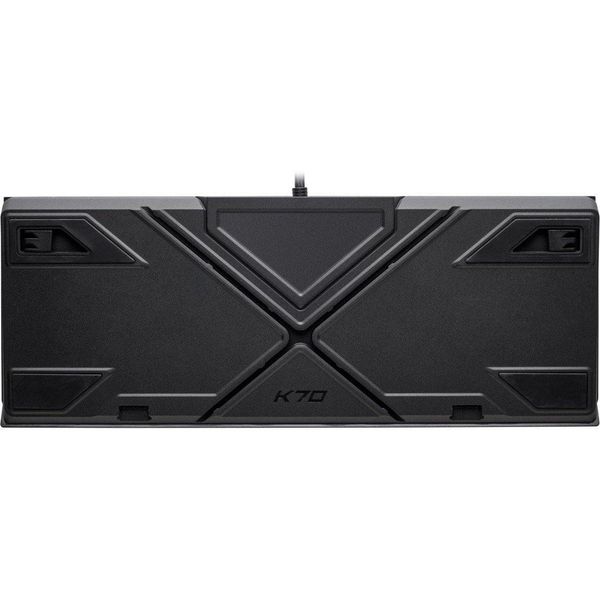
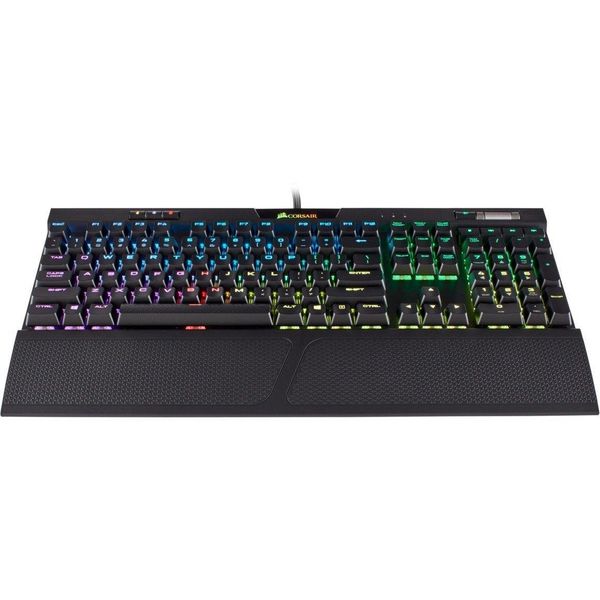
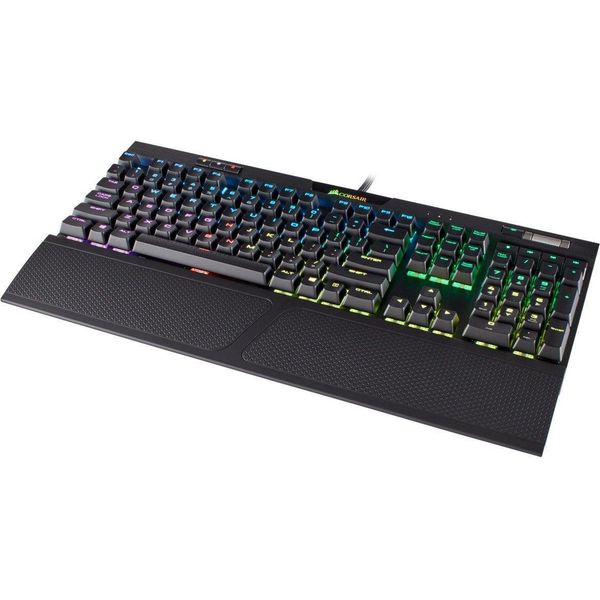
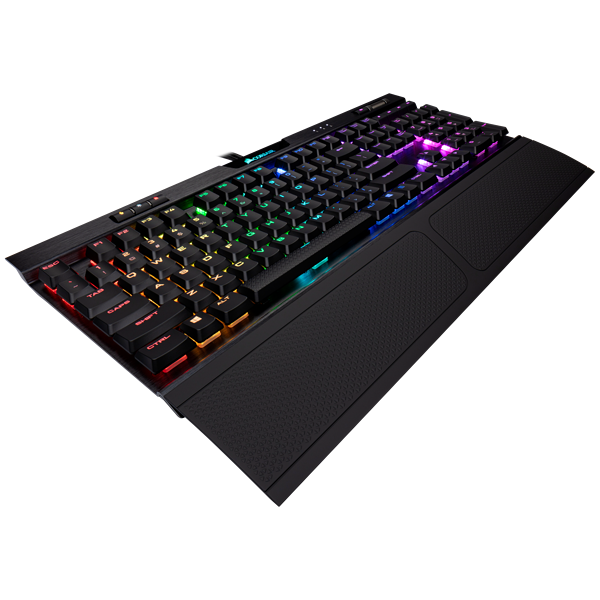
Corsair K70 RGB MK.2

 MYR 588.00 - MYR 742.00
Reviews
Show product page
5 years ago
Luxurious and awesome, but some LEDs eventually failed
Loved this keyboard for 18 months. Went perfectly with my NZXT h700i case. Big, heavy, luxurious console that sits like a lordly slab on your desk. Has all the trimmings. Minor criticsim is key caps are a little wobbly and rattly. Nice MX Brown switches and generally good key feel. Nice sci-fi rounded, clear and tidy font on the keys, and a good size. Sharpish edges on the keyboard for that industrial feel that I kinda liked. Volume roller is super nice. The media keys don't feel as nice, but handy. Good thick cable. Software tricky but works, and enables syncing even of the lights on my Asus motherboard, as well as the Corsair RAM of course....view more
5 years ago
Corsair K70 RGB MK.2 Review
The Corsair K70 RGB MK.2 may not possess a litany of substantial upgrades on the previous generation, but it does offer small improvements on Corsair's steadfast and functional design. With the K70 RGB MK.2 ($159.99), Corsair isn't reinventing the wheel. Instead, it includes modest upgrades to an already-excellent gaming keyboard. The K70 RGB MK.2 embodies the exceptional quality we've come to expect from Corsair, with a robust aluminum frame that uses resilient, Cherry-branded switches. It doesn't have the extensive RGB lighting customization options or row of macro keys you'll find on the Editors' Choice Corsair K95 RGB Platinum, but it'll appeal to gamers who don't want to shell out the $200 for that high-end model. Something Old, Something New There are abundant similarities between the K70 MK.2 and it's older sibling, the K70 LUX RGB($159.99 at Amazon). Both feature a durable aluminum chassis, and radiant, per-key RGB lighting. The two generations come packaged with a detachable rubberized wrist rest and a set of gray textured keycaps for FPS or MOBA players. They also share the same dimensions, measuring 1.5 by 17 by 7 inches (HWD), and weigh the same at ...
Pros:
- Extensive switch options
- Per-key RGB lighting
- Versatile utility software
Cons:
- Minimal updates from previous iterations
5 years ago
Amazing keyboard
Very good mechanical keyboard, icue software is great for making custom lighting effects
5 years ago
Great product, good price.
Great keyboard, great service. This is my first mechanical keyboard and I'm very happy with it. Good price. Definitely worth it if you want a nice gaming mechanical keyboard. The Cherry MX Browns were a great fit for me.
6 years ago
the perfect mechanical gaming keyboard
i know the price is steep but this is the best keyboard ive had in a very long time. the feel of the whole unit, the clicky sounds, the response times.. all absolutely amazing. its perfect!
6 years ago
Great piece of kit
Great Keyboard, well made, looks great but obviously more on the expensive side for a keyboard, however If you like a good typing experience and use it every day then I'd highly recommend it.
6 years ago
Comfartable
Most comfortable keyboard I've ever used, MX RED's may not be everyone's cup of tea, however, aesthetically it looks great.
7 years ago
Excellent and good looking keyboard
PROS: - mechanical keyboard - has multi media keys - RGB - well-built and robust CONS: - expensive
7 years ago
Awesome
Great Keyboard, Software is great (for me atleast) nice wrist-wrist.
4.6
from 13 reviews
5
69.0%
4
23.0%
3
7.0%
2
0.0%
1
0.0%

