

Logitech MX Ergo Wireless
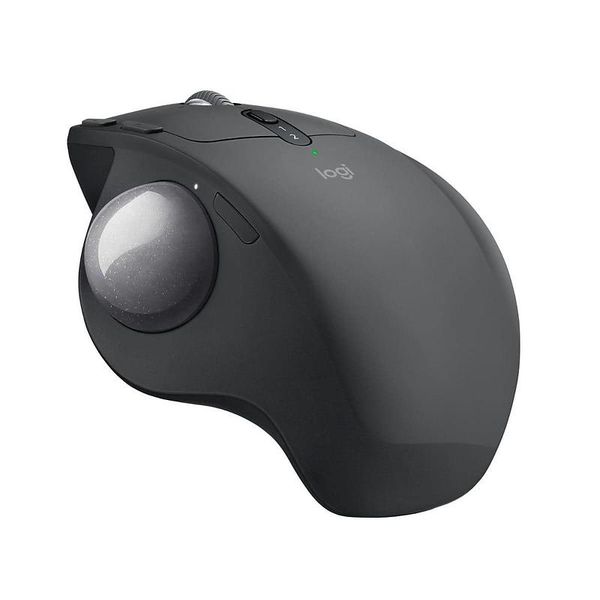

 MYR 433.00 - MYR 550.00
Reviews
Show product page
8 years ago
Logitech's MX Ergo trackball reviewed
A lot of headlines claimed Logitech was "bringing back" the trackball with the release of the MX Ergo. For many of us, though, the trackball never left-Logitech did. The MX Ergo is coming back to a landscape where other fresh and increasingly popular options exist. The Elecom EX-G is one of them.
8 years ago
Logitech MX Ergo Wireless trackball mouse review
Few things in computing have stayed quite as consistent as the keyboard and mouse. With each passing year monitors reach ever higher resolutions and framerates, graphics cards pack in more and more teraflops of graphical horsepower, and CPUs add more cores and greater clockspeeds.
Pros:
- Comfortable design
- Accurate trackball
- Plenty of additional buttons
- Unifying receiver and Bluetooth support
Cons:
- No left-handed version
- Tilt options are limited

8 years ago
Some geeks of my vintage have a nostalgic fondness for trackballs, but I never managed to form such an association. Instead, I've been pretty much a dedicated mouse user since the mouse first became an option.

8 years ago
The scroll wheel could be improved a smidge, but in most other respects, Logitech got its first new trackball in seven years right. It's a great productivity peripheral.
Pros:
- Relaxed
- tiltable grip
- Support for Logitech Flow
- 10 buttons
- Precision Mode function
- Holds charge a long time
Cons:
- Pricey
- Options' actions menu is unwieldy
- Sculpted for righties only
- Thin scroll wheel with so-so traction

8 years ago
Logitech MX Ergo Trackball Review: Mouse Like It's 1996
There's not a lot of competition out there, so if you're looking for a solid trackball with ergonomic benefits, this is the one to buy. However, the $99 price is a little on the high side for someone looking to dip their toe into the trackball world.
8 years ago
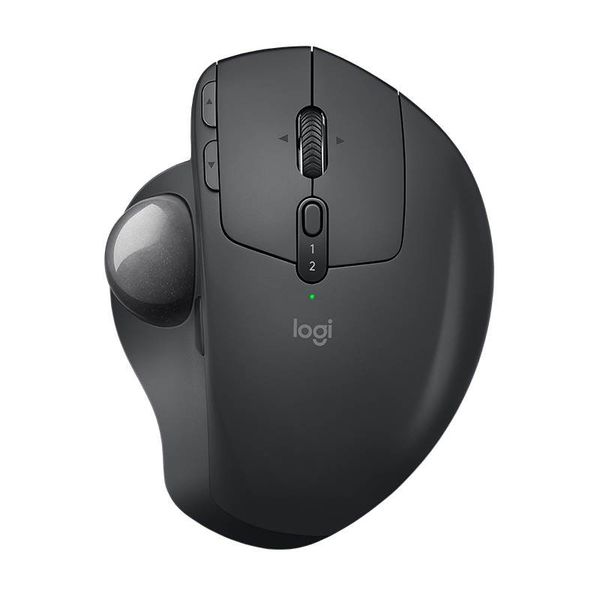
With its big rolypoly ball and huge hand rest, the venerable trackball mouse looks like a holdover from 1996. Or maybe 1946- that's the first time a trackball was used as an input device in a computer . Its popularity has waned since the introduction of the mouse and then the trackpad.
Pros:
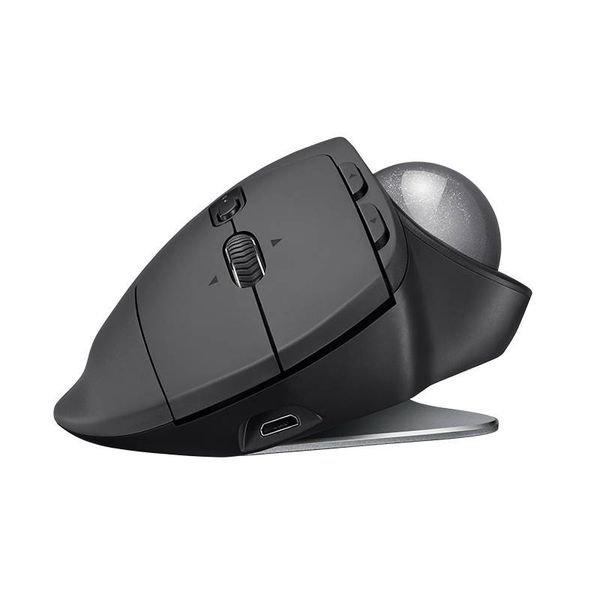
- It has Bluetooth and an adjustable base
Cons:
- The ball is difficult to remove for cleaning

8 years ago
Why the Hell Would Anyone Use a Trackball Mouse
Logitech's first trackball in nearly ten years.
Pros:
- It has Bluetooth and an adjustable base
Cons:
- The ball is difficult to remove for cleaning

8 years ago
Logitech MX Ergo Wireless Trackball 910-005180 review
Pros:
- It has Bluetooth and an adjustable base.
Cons:
- The ball is difficult to remove for cleaning.

126 years ago
Trackball awesomeness
I have used a Logitech trackball for decades and I like this 1 the best (this was bought to replace the Ergo I already have). I have a decent sized bedroom with my computer and bed in opposite corners. The Ergo works from the bed :) to be fair it works on the computer side of the bed but not on the other side. The only thing that concerns me is the the long term battery life – when new (about 3 yrs ago) fully charged it would last the full 4 months plus, now its about a month and takes ages to recharge (can be used while charging). Given the price I would expect the battery to last a couple more years before starting to die. Bottom line – would still buy again :)
126 years ago
Love this trackball, have 1 at the office and 1 at home
Have had one of these at the office for a number of years now and it has made such a difference to wrist soreness (I don't get any anymore). With the recent move to doing more work from home I purchased another one for home.
4.4
from 30 reviews
5
56.0%
4
34.0%
3
0.0%
2
4.0%
1
4.0%

