

Logitech MX Ergo Wireless
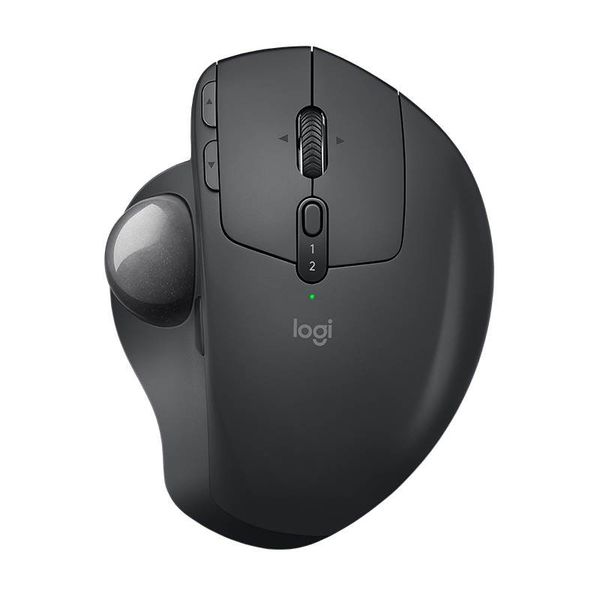
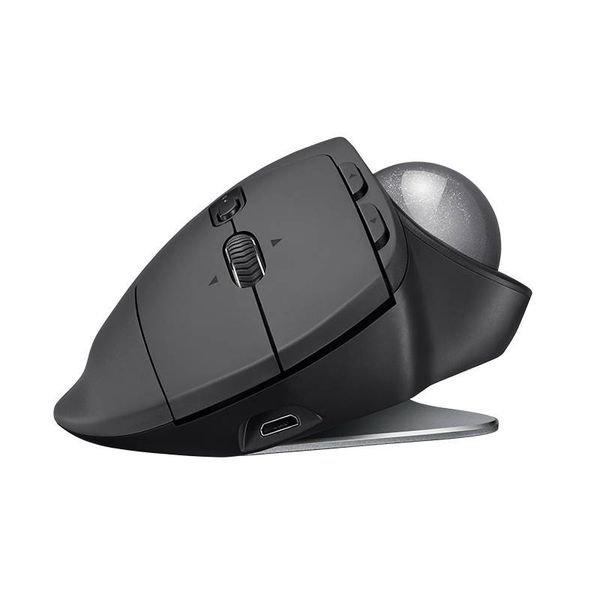
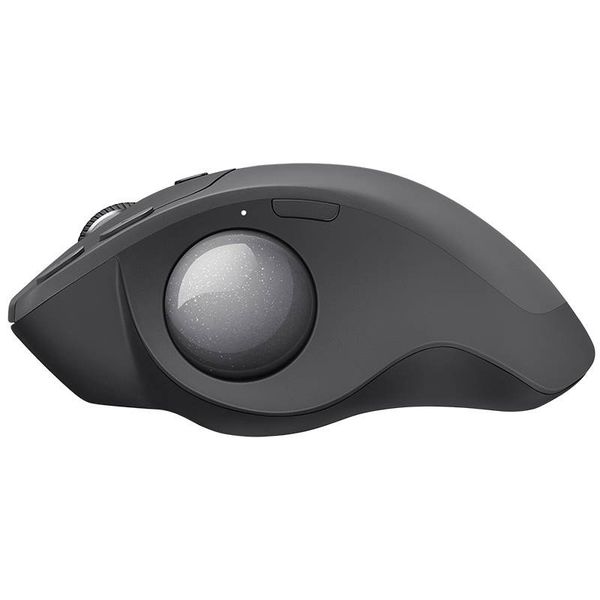
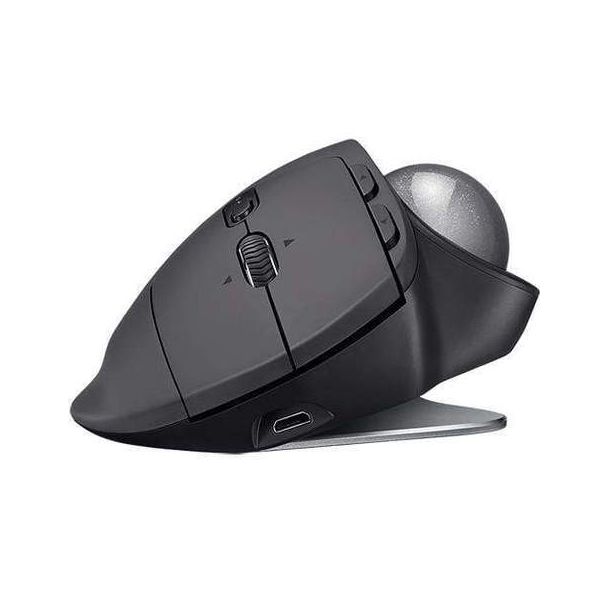
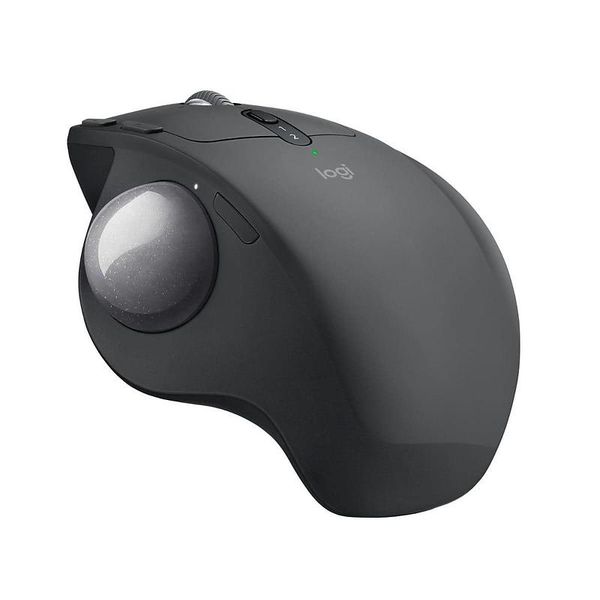

 MYR 433.00 - MYR 550.00
Reviews
Show product page
7 years ago
Exactly what I needed
Disclosure: Ive used LogiTech trackballs since the early 1990s (they were a different sort of beast back then, wired and pretty much an uncontoured little box with a ball on top); this is my third by that company (which give you an idea of how reliable they are Ive switched to new units twice but...
7 years ago
Great Trackball
Fully featured, having programmable back and forward navigation buttons, as well as programmable left and right clicks on the scroll wheel. The comfort factor of being able to customize the angle of the mouse cannot be understated.
5 years ago
Best ergo on the market
I have a bit or carpal tunnel trouble and I find this the best thing on the market as my hand and arm can stay in a relaxed natural position.
8 years ago
Logitech MX Ergo Wireless trackball mouse review
Few things in computing have stayed quite as consistent as the keyboard and mouse. With each passing year monitors reach ever higher resolutions and framerates, graphics cards pack in more and more teraflops of graphical horsepower, and CPUs add more cores and greater clockspeeds.
Pros:
- Comfortable design
- Accurate trackball
- Plenty of additional buttons
- Unifying receiver and Bluetooth support
Cons:
- No left-handed version
- Tilt options are limited

8 years ago
Logitech MX Ergo review: Return of the track(ball)
Think back to the early-to-mid 90s, when PCs were taking the world by storm and becoming commonplace. Most of them looked the same: big beige boxes with clunky keyboards and wired mice.
Pros:
- Incredibly ergonomic
- Fine-control switch is a godsend
- Pairs to two devices
Cons:
- Takes time to get used to
- Not ambidextrous
- Fairly expensive

8 years ago
Logitech MX Ergo Trackball Review: Mouse Like It's 1996
There's not a lot of competition out there, so if you're looking for a solid trackball with ergonomic benefits, this is the one to buy. However, the $99 price is a little on the high side for someone looking to dip their toe into the trackball world.
8 years ago
The scroll wheel could be improved a smidge, but in most other respects, Logitech got its first new trackball in seven years right. It's a great productivity peripheral.
Pros:
- Relaxed
- tiltable grip
- Support for Logitech Flow
- 10 buttons
- Precision Mode function
- Holds charge a long time
Cons:
- Pricey
- Options' actions menu is unwieldy
- Sculpted for righties only
- Thin scroll wheel with so-so traction

8 years ago
Logitech MX Ergo Wireless Trackball Mouse
Ok, you might be saying, if twisting your wrist increases discomfort, why not just buy a completely vertical mouse, so you don't have to twist at all? You can: One such device is the Evoluent Vertical Mouse , our Editors' Choice for ergonomic mice.
Pros:
- Unique tilting stand lets you experiment between horizontal and semi-vertical orientation
- Good build quality
- Wireless
Cons:
- Expensive
- Right-handed only
- Struggles to perform precision cursor movements

8 years ago
Included with the , users will find nothing but a simple lit pack, Unifying receiver, and micro-USB cable. There is a note attached to a sticker on the MX Ergo directing users to the Logitech's website to download the Logitech Options application, but it is not included on any media in the retail...
Pros:
- Precise Mousing
- Customizable
- Great Battery Life
- Smooth Wireless Operation
- Works Across 2 PCs with FLOW
Cons:
- Kind Of Pricey
- Only For Righties

8 years ago
Quite different to previous models
I've been using this style of Logitech trackballs for 15 years! This one is quite different - it has a heavy magnetic base, that allows for different hand positions. Nice that it's finally bluetooth and doesn't require a dongle.
4.4
from 30 reviews
5
56.0%
4
34.0%
3
0.0%
2
4.0%
1
4.0%

