

Logitech Brio

 MYR 979.00 - MYR 1,399.00
Reviews
Show product page
6 years ago
I purchased this product to use during a teleconference at church. We have a long narrow room for committee meetings and this camera requires constant moving around. It does not have the ability to zoom, at least with a Mac Book Pro, nor does it have the ability to use a manually adjusted wide...

6 years ago
Great Product / Great Price
This was my second C920 purchased. First still working perfectly. The new Logitech Capture software allows the use of two cameras so I now have the two so I can do instructional videos. Have used the C920 for many on-line meetings. It's easy to use and the image quality is very good.
7 years ago
Logitech C920 webcam
Simple performance strung with an affordable price.
9 years ago
Logitech Brio Review
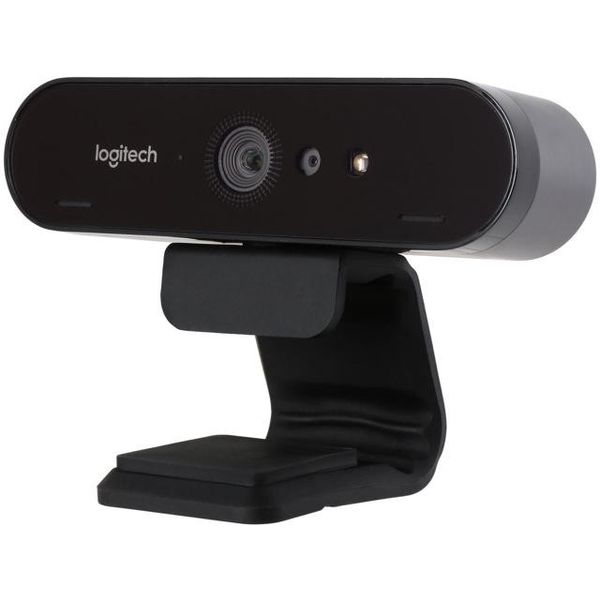
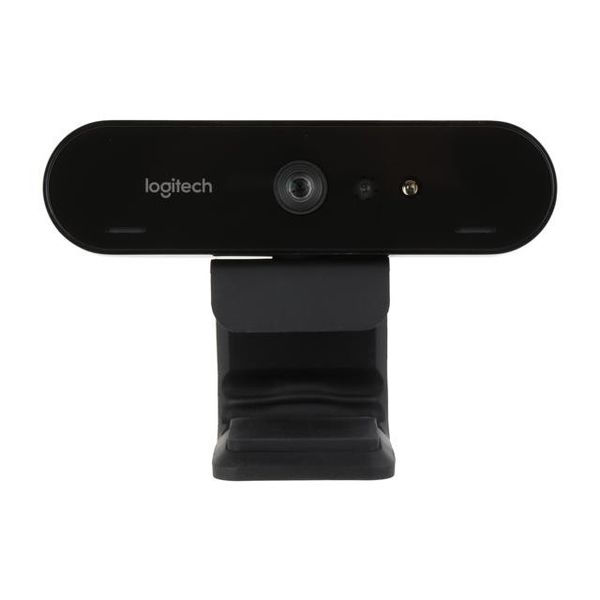
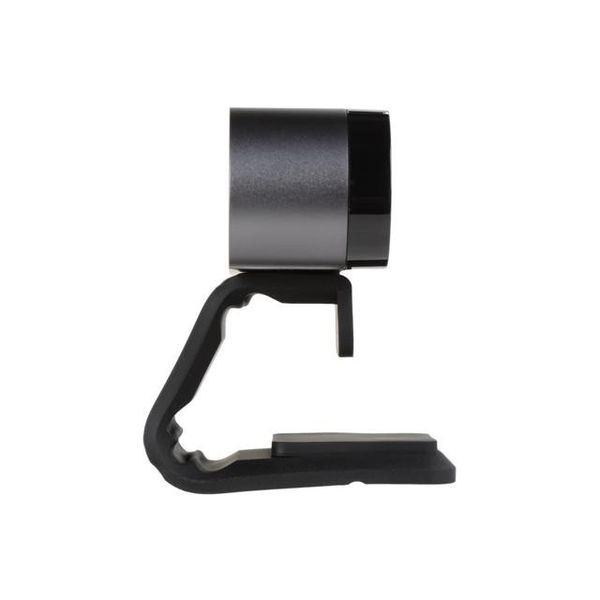
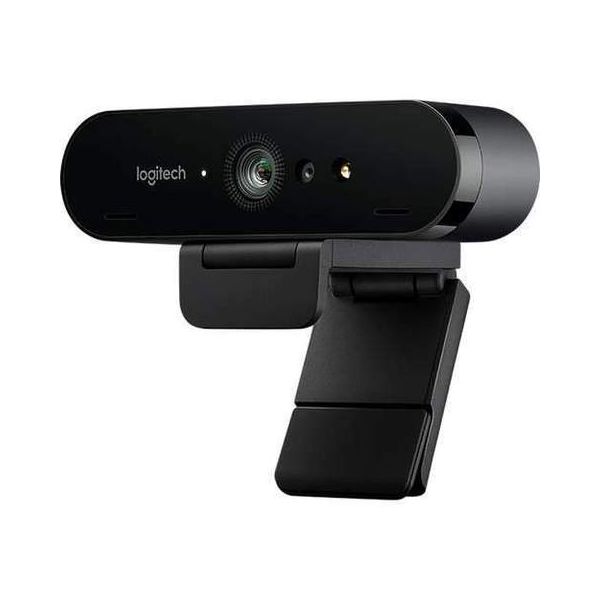
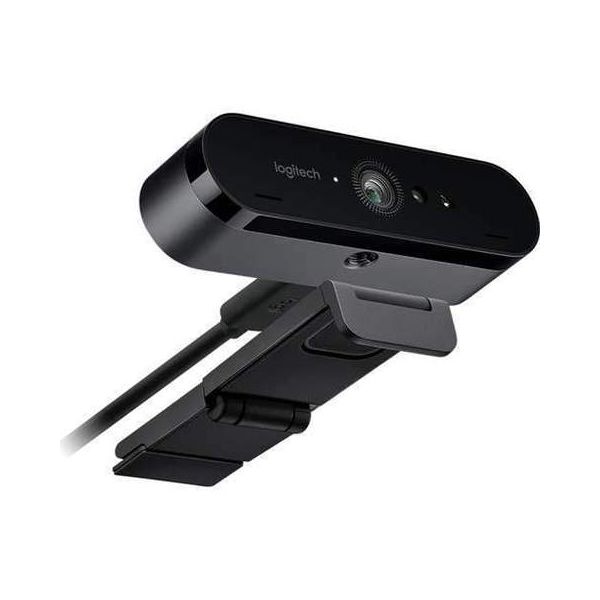
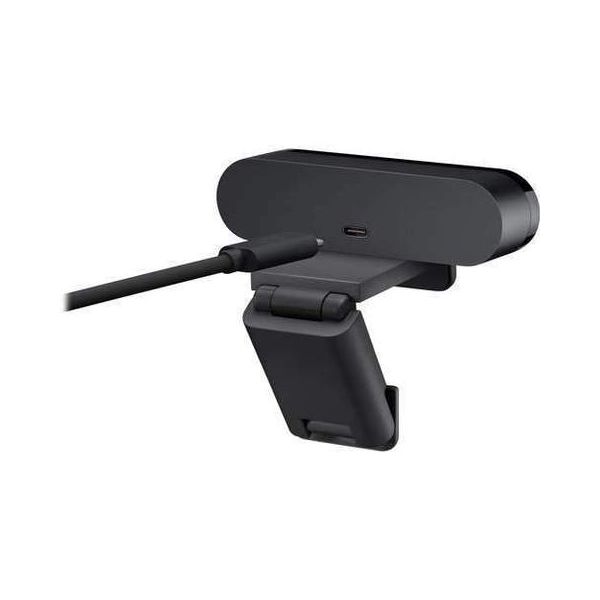
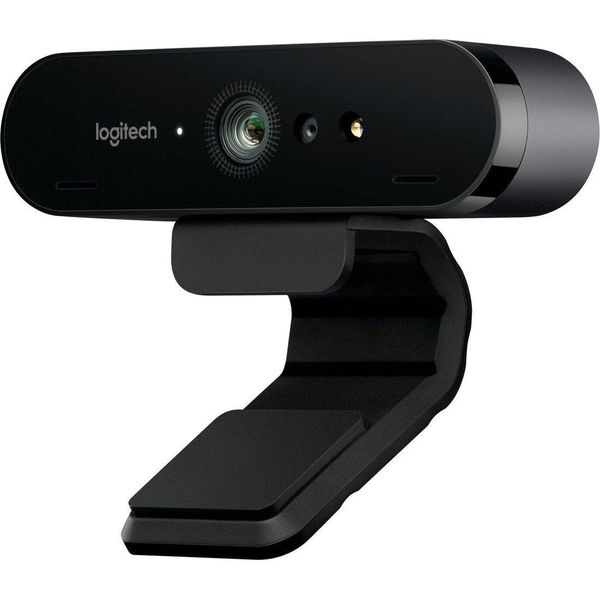
If you need a high-quality webcam, Logitech's Brio has it all, with 4K resolution, stellar sound quality, and support for Windows Hello biometric face login. Right now, you don't really a 4K webcam, since Skype and most other online videoconferencing services don't support that high a resolution. But the Logitech Brio ($199) is there for the future, when super-fast internet connections will make 4K streaming commonplace. Logitech bills the Brio as the ultimate webcam, and that's hard to contradict, with its unmatched resolution, High Dynamic Range (HDR), support for Windows Hello face login, and dual mics. It's worth its high price tag, so it's our top pick for webcams. Pricing and Included Hardware For personal or professional use, the Brio ($199.00 at Logitech) is as modern, clean, and stylish a webcam as I've ever seen, measuring 1 by 4 by 1 inches (HWD) and weighs 2.2 ounces. Its long clip attached easily and securely to the top of the 4K touch screen of my Asus Zen AiO Pro Z249IC all-in-one PC. A privacy flip cover is also included to keep unwanted eyes from spying on you. The camera is capable of 4K Ultra HD video, calling up to...
Pros:
- Ultra HD 4K resolution
- Works with Windows Hello
- Excellent mic sound
Cons:
- Expensive
- No optical zoom

126 years ago
Worse than the c920 in too many ways
This webcam actually has WORSE low light performance than the c920, and far more ISO. It also has a feature called RealLight 3, which cannot be disabled and will apply a post-process filter in attempt to correct the light. In reality, it smooths over too many details and flattens the light out. If you don't have studio lighting, this camera will look bad, much worse than a c920 due to a noisy image. If you DO have studio lighting, this camera will produce a cleaner image, but you will likely have a washed out colours that look like your shooting in the wrong colour space due to RealLight 3. It has a myriad of technical glitches and bugs which I won't go into. Even after 8 hours of fiddling with settings I'm not happy with the image, and the c920 remains more consistent in quality across most ranges of use.
14 years ago
Logitech c920
When I tested the older Logitech HD Pro Webcam c910, I was impressed with the clarity of the audio recordings. The same is true of the c920; you can't beat the stereo microphone configuration, and the c920's noise suppression worked well enough to deaden the sound of an office fan, if not completely...
Pros:
- Crisp, well balanced video recordings
- True 1080p video chats with Skype HD
- Clear audio recording in stereo
Cons:
- Lower than expected detail levels in video
- Logitech Vid HD software is clumsy and superfluous

11 years ago
Logitech C920 Unboxing and First Look
I recently purchased the Logitech C920 to use on my YouTube channel, and while it is a better webcam than any I've used before, I still think the image quality could be better. So far I'm happy with it, just wish it was a touch clearer. Other than that, I'm really happy with it.
Pros:
- Decent video quality
- Full 1080P capture
Cons:
- Audio quality is very subpar
- video quality could be better

8 years ago
New Webcam
I ordered a Logitech C920 HD Webcam so that I could continue using Skype. The camera came without any software or information that I would need it and how to contact Logitech to install it. Two of my USB ports would not recognize it. Logitech advised me to try a third port that worked.
5 years ago
Good Webcam, Windows Hello Support closes the deal
Webcam works as advertised, better than the old Logitech one I had both in terms of picture quality and low light performance. The icing on the cake is Windows hello – no password to log in to Windows is nice.
4.7
from 40 reviews
5
74.0%
4
22.0%
3
0.0%
2
0.0%
1
3.0%

